Connect Claude and Audible to Find Your Next Perfect Listen
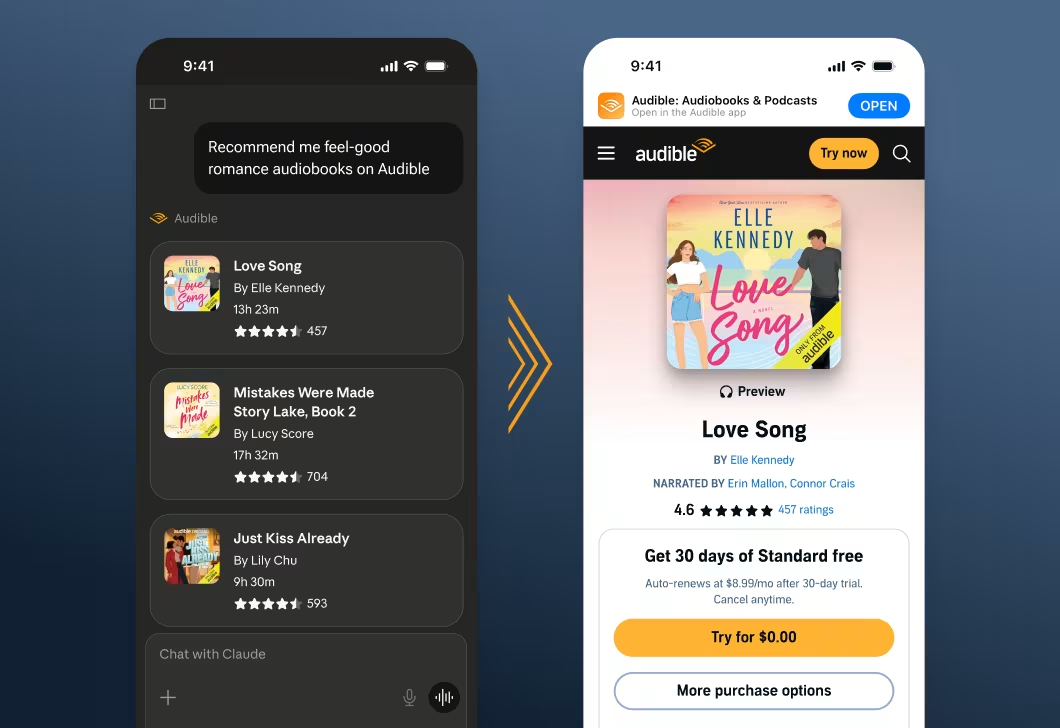
You’re never far from a great listen thanks to Audible’s AI-powered content discovery tools. Now there’s one more way to find your perfect match: Today, Audible is introducing audiobook recommendations for users of Claude, Anthropic’s AI assistant. By adding Audible’s interactive connector in Claude, users can simply ask for a listen to satisfy their particular need — for instance, a good romance series or audiobooks to inspire them on a run — and Audible will propose six recommendations right within the chat, no separate sign-in required.
Each recommendation appears as a card featuring the title, cover art, author, duration, and customer rating, with a link to see more details on Audible. Tapping or clicking the link will open the title’s page on the Audible app or website. Currently, the integration supports English-language content from Audible’s U.S. marketplace catalog and is available in any country where Claude is supported.
How to connect Claude with Audible:
- Open Claude and go to Settings > Connectors > Browse Connectors.
- Find the Audible connector and click Connect.
- The first time you use the connector, you'll be asked to allow Claude to use the Recommend tool from Audible. Select “Always Allow” or “Allow Once” to continue.
- You're ready to go!__ No sign-in needed.__
- Start asking about audiobooks, and Claude will use the connector automatically.
- Example prompts: "Find me a good mystery audiobook" or "Short audiobooks for a road trip.” Feel free to describe what you’re looking for naturally, in your own words.
Connecting Audible to Claude is completely opt-in, and users can connect or disconnect at any time. Users’ Audible data isn’t used to train Anthropic’s models.
Audible looks forward to continuing to collaborate with Anthropic to help listeners discover new favorites across our catalog. This integration joins several recent AI-powered enhancements, such as Maven, tags and more, that make audiobook discovery faster, easier and more accurate, so our customers can spend less time searching and more time listening.
Related Posts
 Highlights
December 1st, 2025
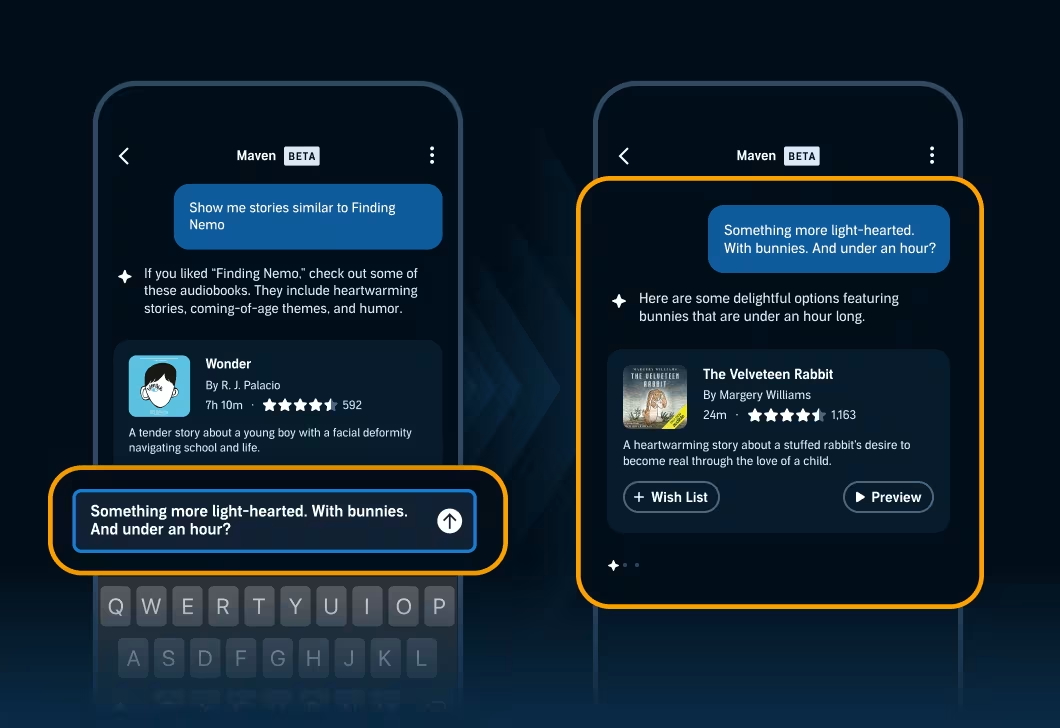
These New Audible Enhancements Mean Less Searching and More Listening
Customers can find their next favorite listen even faster, thanks to updates to Maven, our AI-powered expert, and tags, plus a new update that brings users’ Goodreads Want to Read shelf directly into their Audible library.
 Highlights
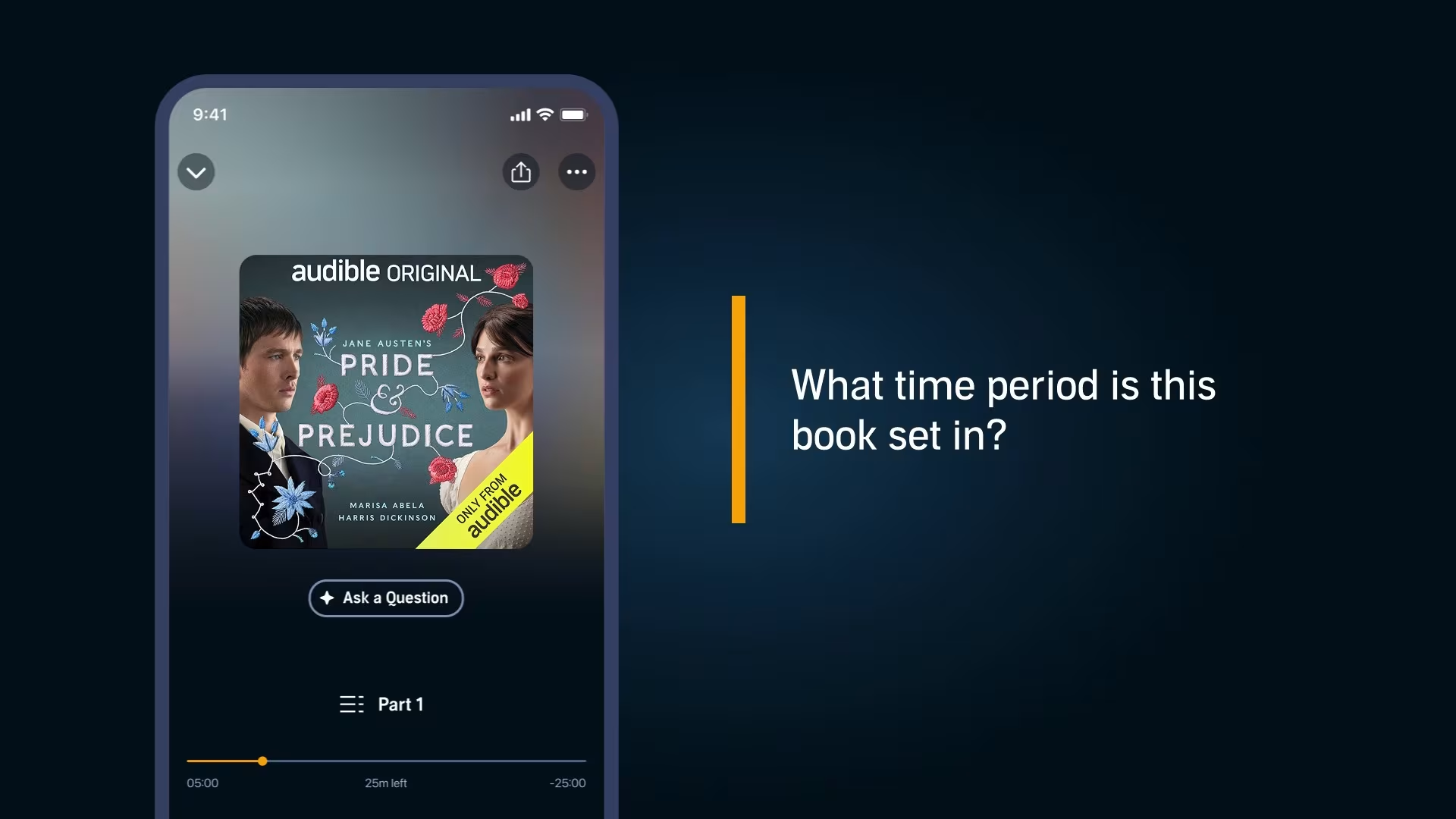
Audible has rolled out several new and upgraded features for customizing listening, including tags for browsing ultra-specific genres, an AI assistant for effortlessly asking questions about a story, and more options for saving clips and notes.
 Highlights
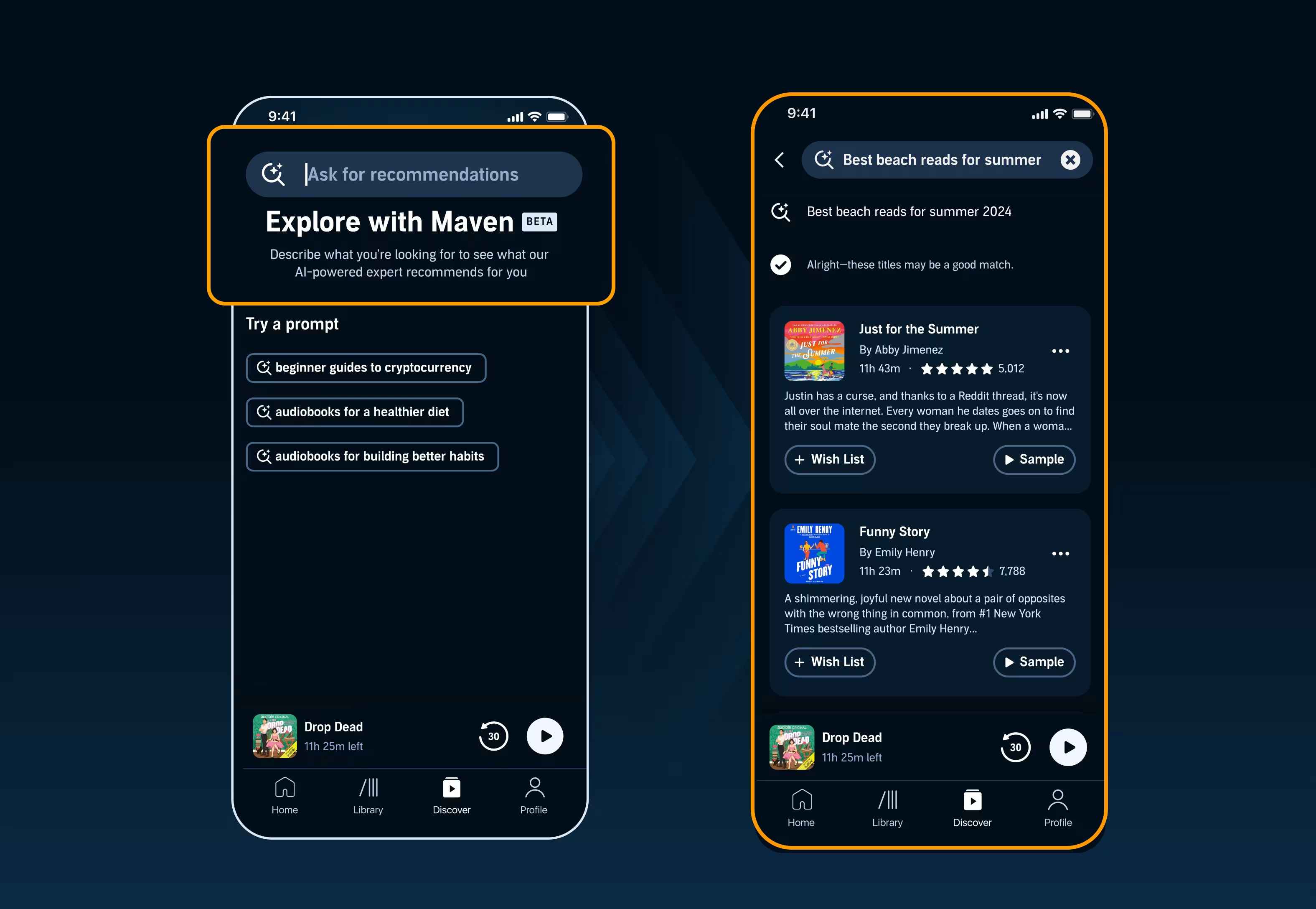
Maven, now in beta for select US customers, will use the power of AI to instantly search our unparalleled catalog to find the perfect listen.