Hey Siri, Play Audible
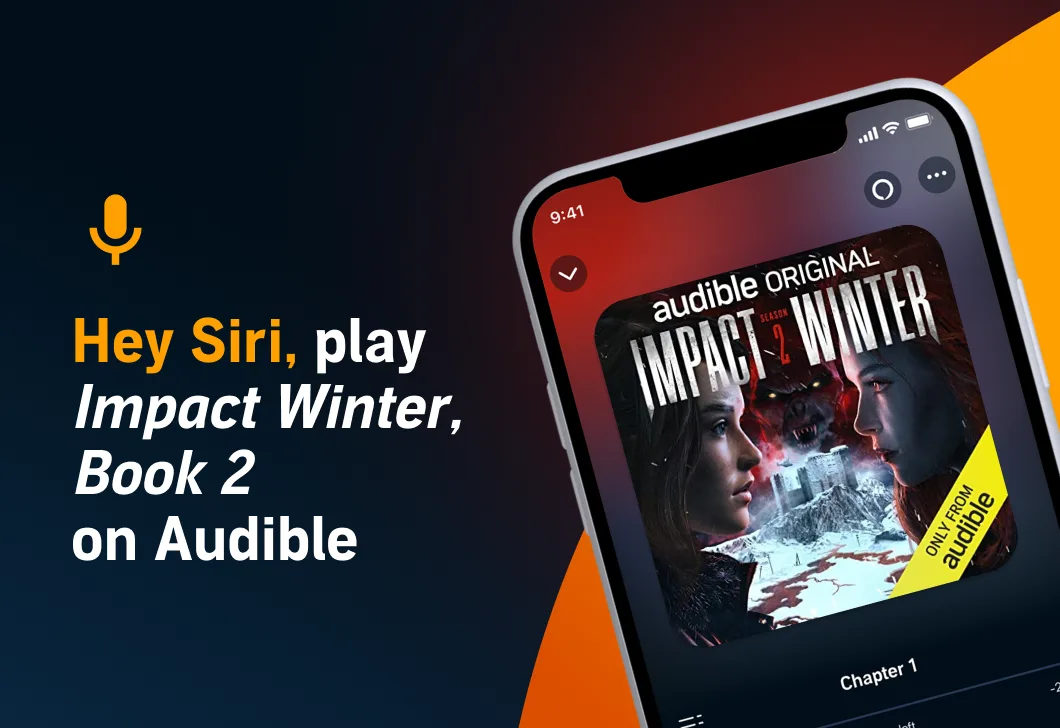
“Hey Siri, resume Impact Winter, Season 2 on Audible.”
Now, iOS users around the world are able to begin, resume, and control playback of their Audible titles with simple voice commands.
Runners can say, “Hey Siri, play Audible,” to resume their listen where they left off without ever breaking stride. Cooks can speed up narration without looking away from the stove by asking Siri to read faster or slower. And gardeners don’t have to dirty their iPhones to replay a line they missed—just a simple, “Hey Siri, go back 5 seconds,” will do.
This new capability adds to a robust offering of hands-free listening options for Audible, including on Alexa devices like Echo and with Alexa enabled in the Audible app.
For a current list of Siri’s Audible commands and to get started, see Audible on Apple devices.
Related Posts
 Press Releases
The growing catalogue offers Audible listeners more than 40 cinematic listening experiences—and offers Audible creators another powerful tool for entertainment and innovation.
 Highlights
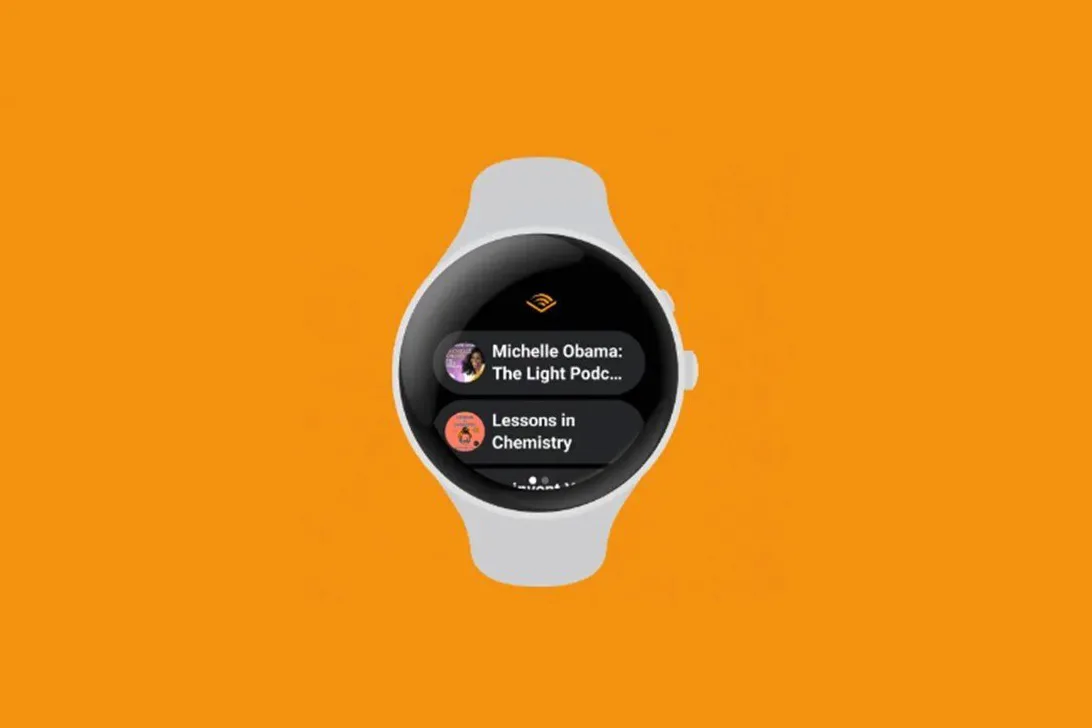
The Audible app on Wear OS gives Google smartwatch users the ability to listen to titles directly from their watch without syncing to a phone.
 Highlights
November 17th, 2022
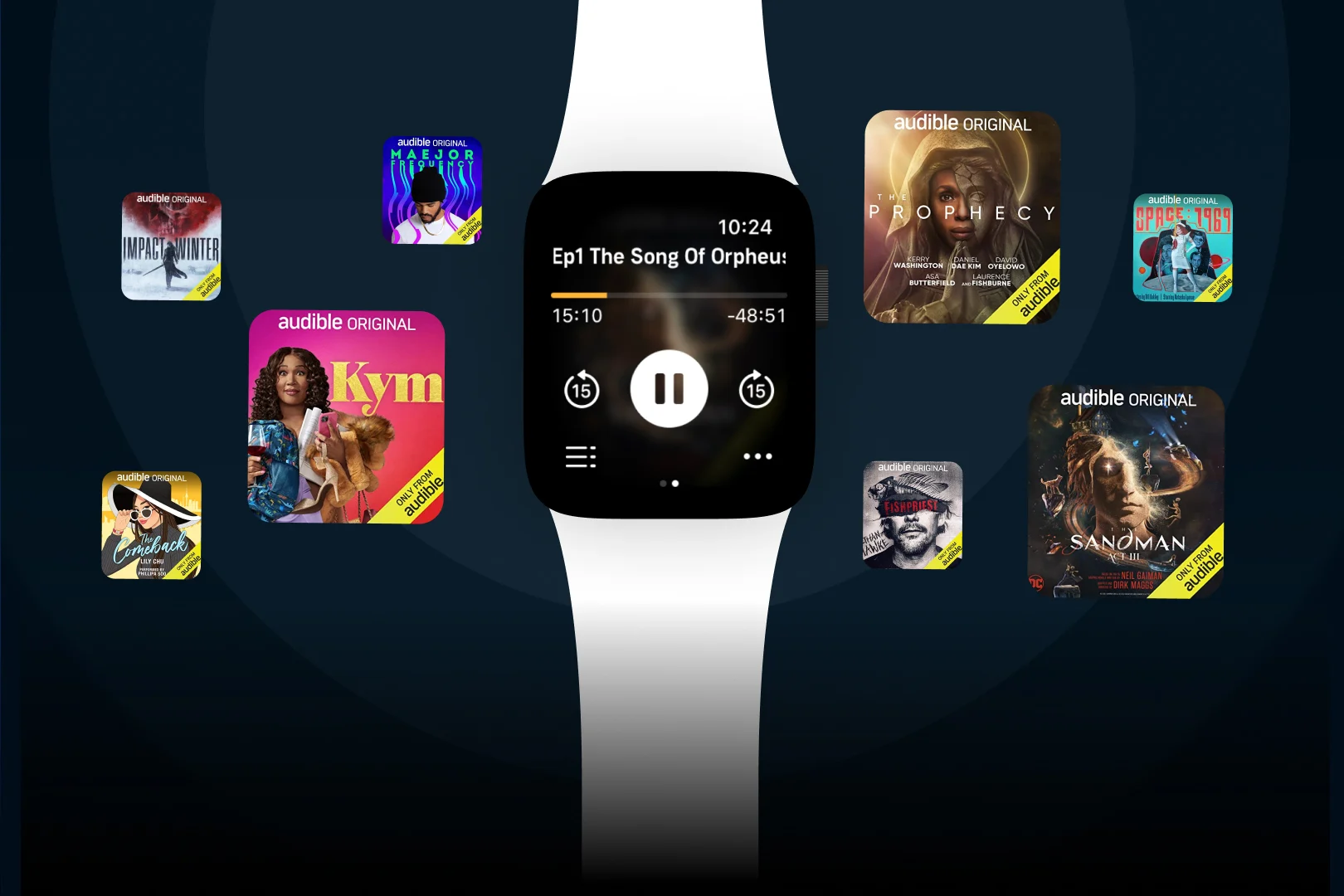
Stream and Download Titles with Just One Tap on the Apple Watch
Leave the phone at home! Now listeners can access their Audible library, stream and download listens, and change narration speed with a simple tap of the Apple Watch.